If SharePoint is not searching items correctly or is missing files when searching, please follow these steps to refresh the site:
1. Start by going to the SharePoint site: SharePoint
2. Click on My Sites. Select Site Contents
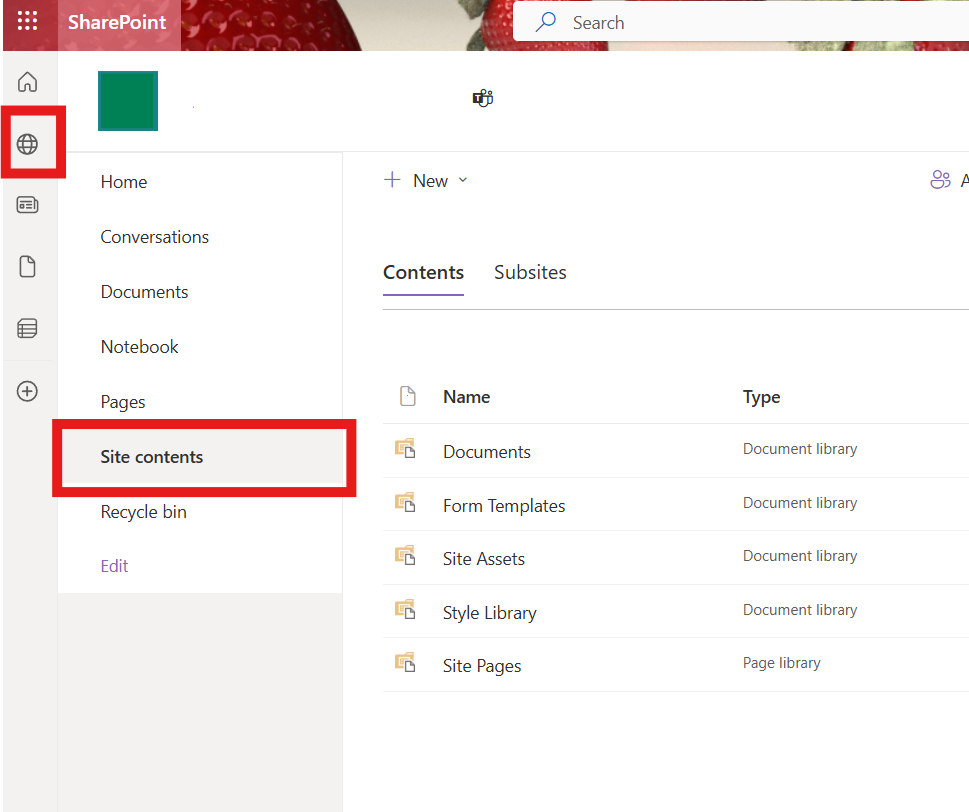
3. Click Site Settings

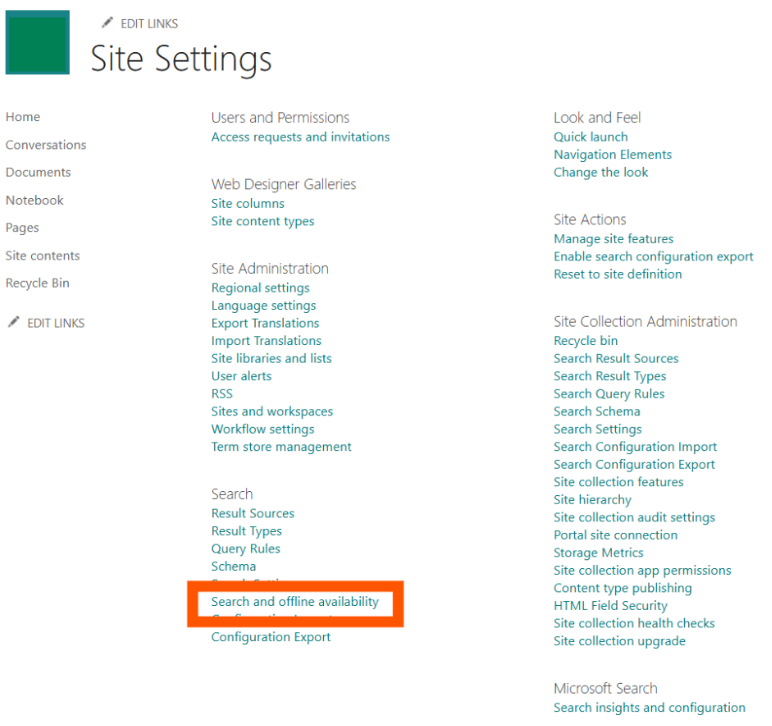
4. Choose Search and offline availability
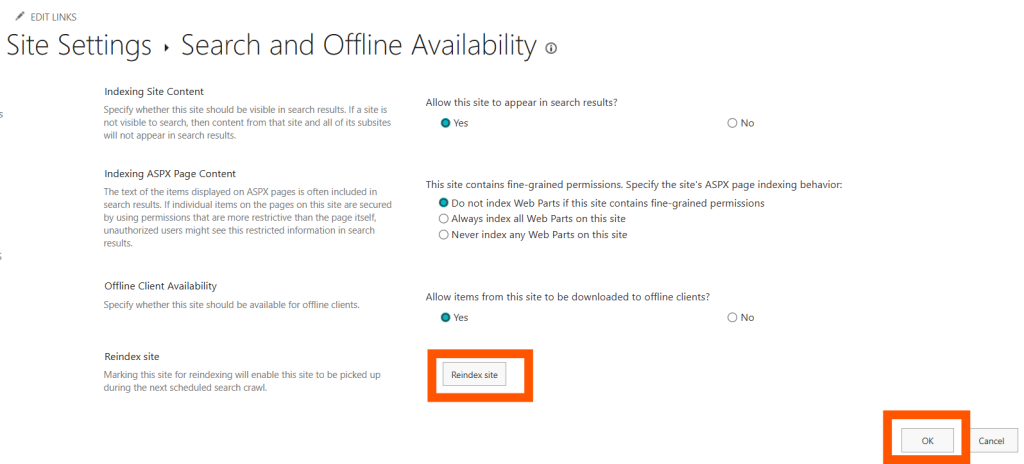
5. Click Reindex Site
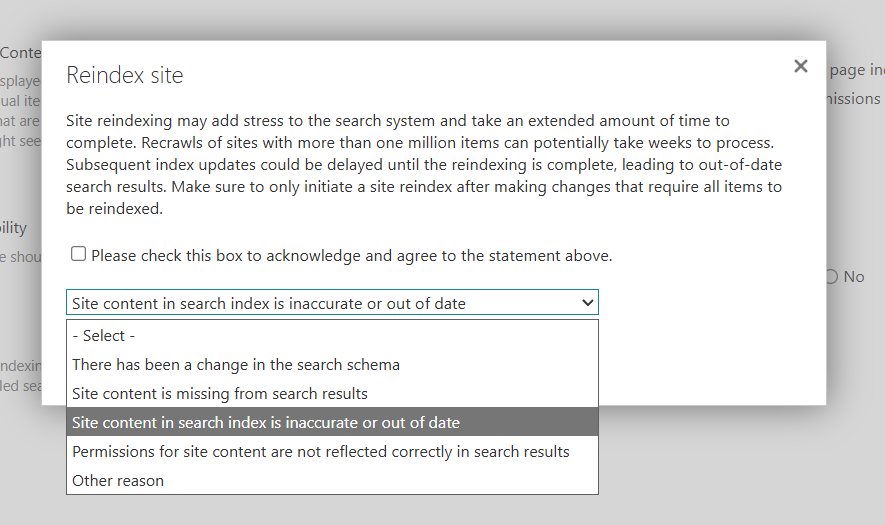
6. Review the options list and select the one that best fits the issue
7. Check the acknowledgement box and press Reindex Site
8. Test SharePoint search functionality
9. If the issue persists after reindexing, please email [email protected] so we can find a solution.
Comments are closed