In order to have access to a shared email your admin must first grant you access to view the shared mailbox.
A shared mailbox is a mailbox that multiple users can use to read and send email messages. Shared mailboxes can also be used to provide a common calendar, allowing multiple users to schedule and view vacation time or work shifts.
In the Classic Outlook App:
In your desktop, open the Outlook App.
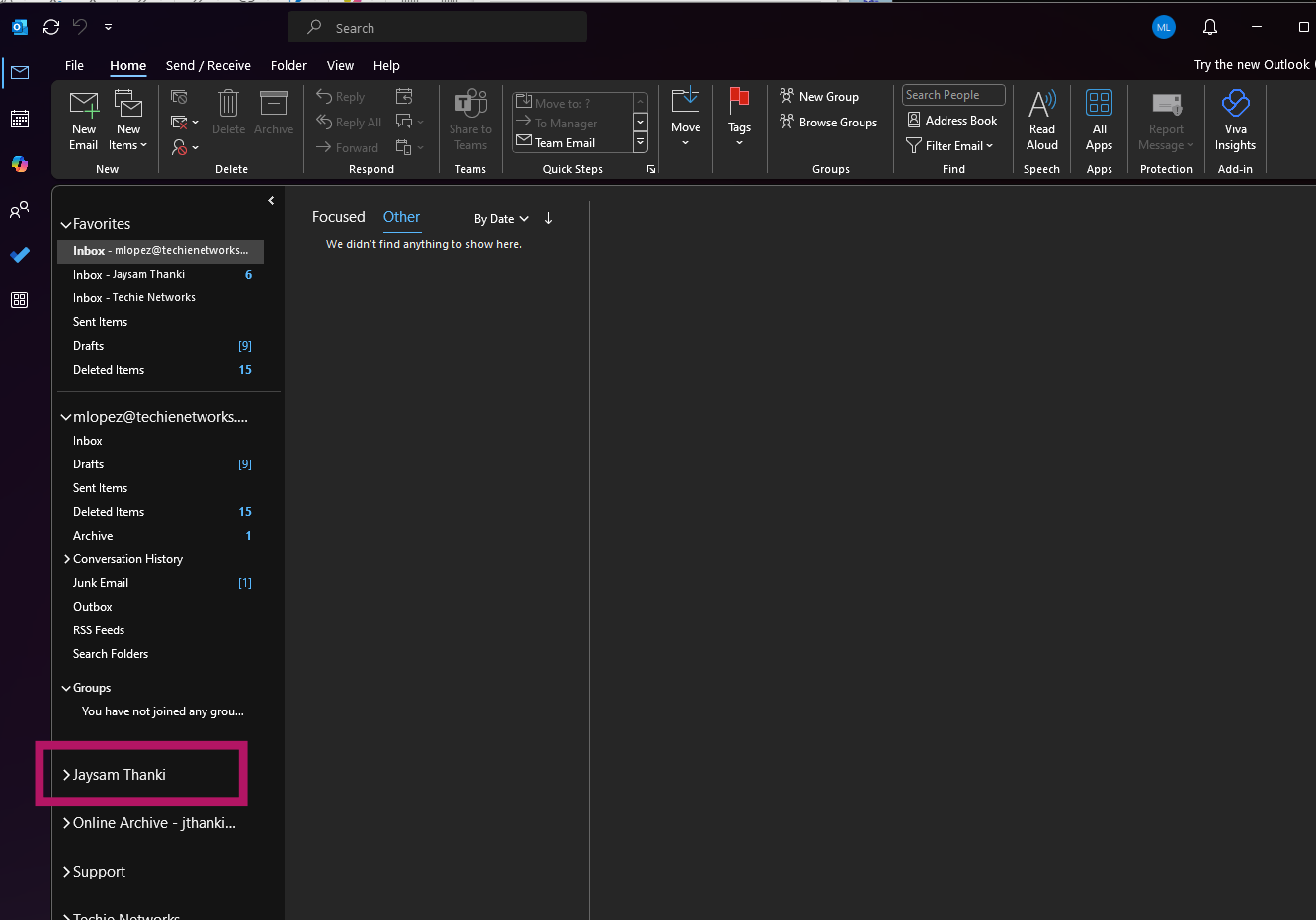
On the left hand side of the app scroll to the bottom of the inboxes.
It should be listed in this area:
In the New Outlook & Outlook Web Version:
Go to Outlook.com and sign in.
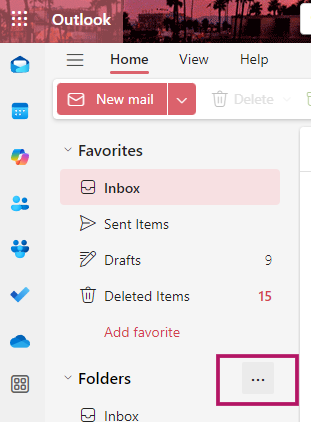
Click on the three dots next to Folders
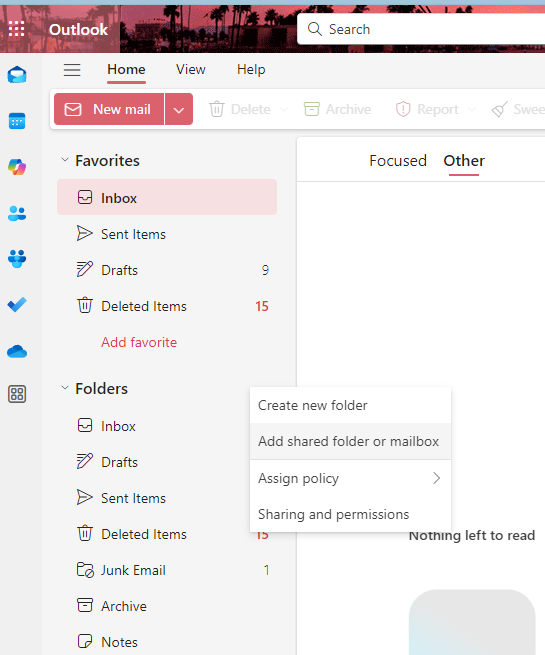
Click “Add Shared Folder or Mailbox”
Add the email address for the shared mailbox.
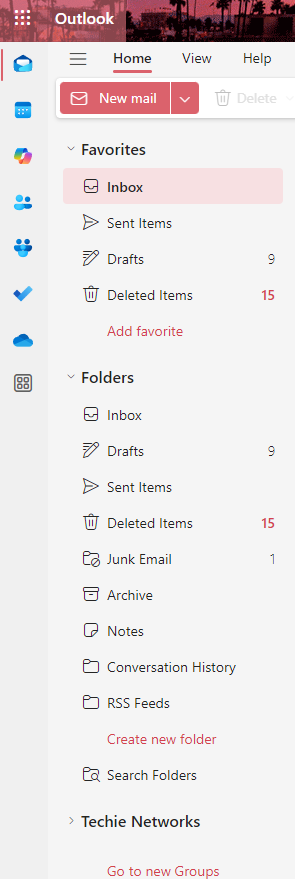
You will then see the mailbox listed on the left hand side of the screen.
If you require a more specific clean up not easily done using the tools above, contact us for a customized solution.